Discord
We use a dedicated Discord server for this course to facilitate communication, Q&A, and collaboration outside of class. The Discord server is a space where you can:
- Ask questions about lectures, assignments, and projects
- Discuss concepts and share resources with your peers
- Get support from the instructor, TA, and Chibi (the AI tutor)
- Record your class attendance
- Complete mandatory module quizzes with the AI Tutor
- Join study groups and participate in informal discussions
Invitation links to the Discord server will be distributed via Brightspace. Please check the Brightspace announcements or course materials for the latest invite link.
Once you join, you’ll find channels for different topics (e.g., #random, #questions, #study-groups) and can interact with both classmates, AI tutor, and course staff. If you’re new to Discord, it’s a free platform available on web, desktop, and mobile.
AI Tutor & Assignments
This course heavily utilizes the AI Tutor (Chibi) for:
- Attendance Tracking: You must use the
/herecommand during class. - Assignments: Every module requires completing quizzes with the bot.
For detailed instructions, please read the Discord Bot Usage guide.
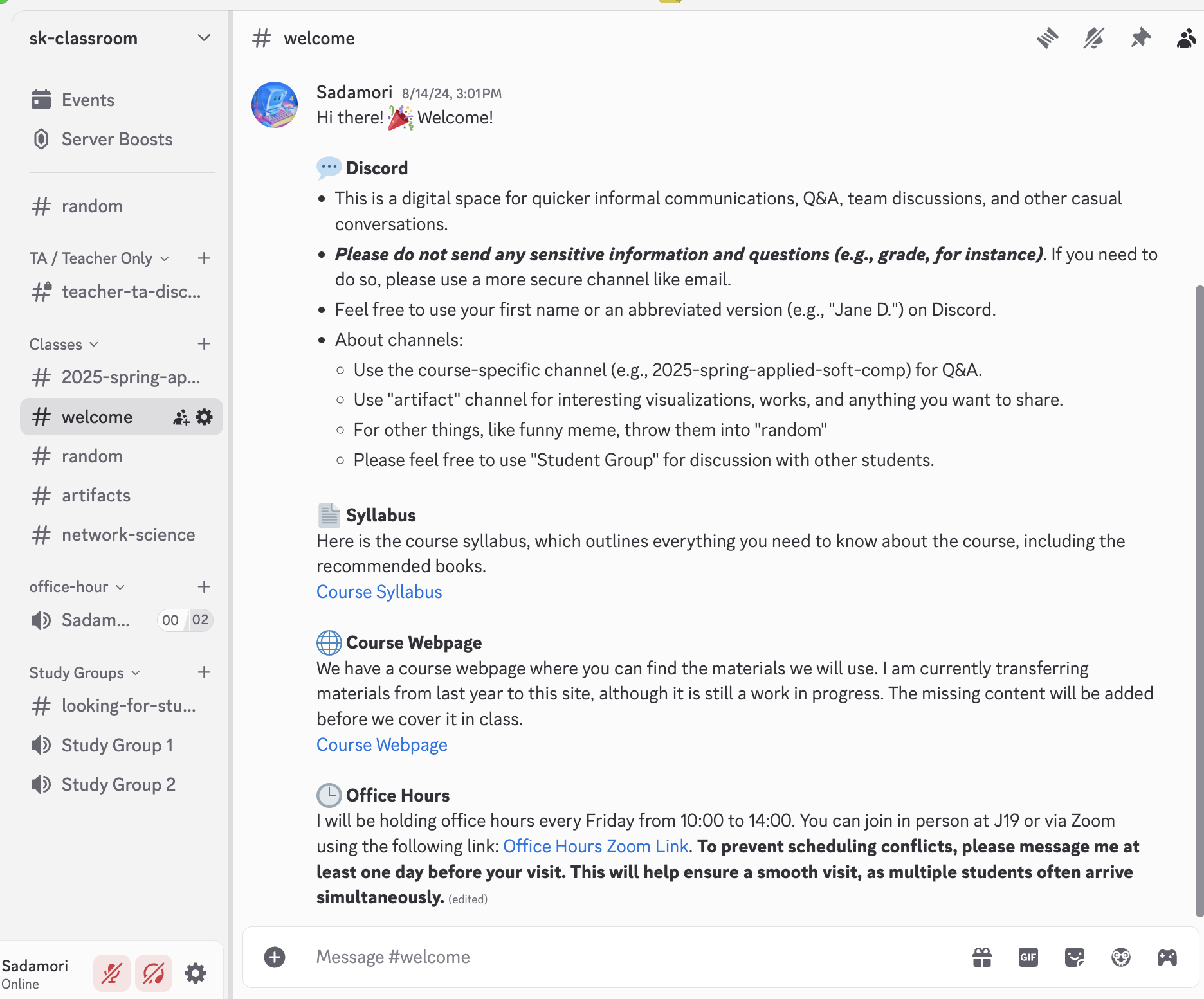
Example screenshot of the course Discord server interface.
If you have any trouble joining, please contact the instructor for assistance.